![logo-7.png]](https://help.thinkreliability.com/hs-fs/hubfs/logo-7.png?height=50&name=logo-7.png)
To add another person as a portal manager, simply send us a request with their first name, last name, and email address at support@thinkreliability.com. Once we receive notification of the individuals to be added, we will promptly grant them access to their accounts and send them an invitation.
Upon receiving the email invite, the new manager will be guided through the process to finalize their account setup.
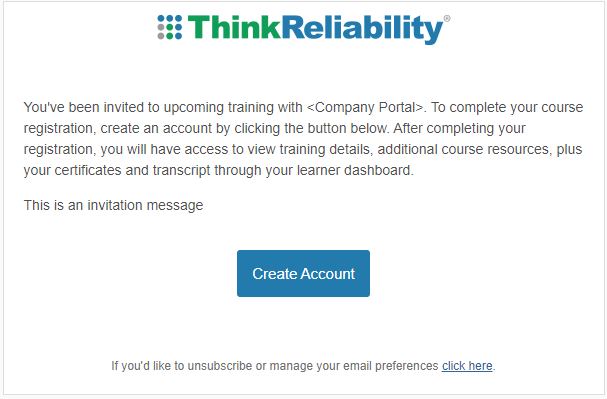
Create Account
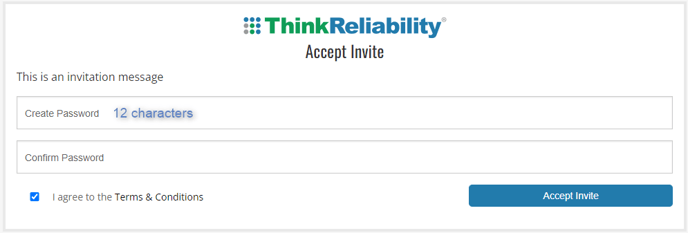
The username will automatically be set to the email address that was used for the invitation.
- Set a password. We recommend using at least 12 characters with a mix of upper and lower case and/or symbols for a password.
- Click the checkbox to agree to the terms and conditions.
- Click Accept Invite.
Sign In
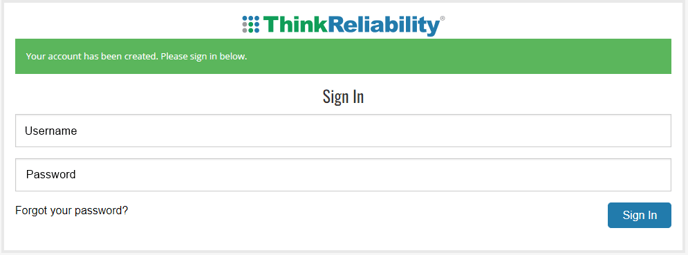
Sign in using the username (the email that the invitation was sent to) and the password set.
After signing in, the Learner Dashboard will be displayed. See the Learner Dashboard section for more details.